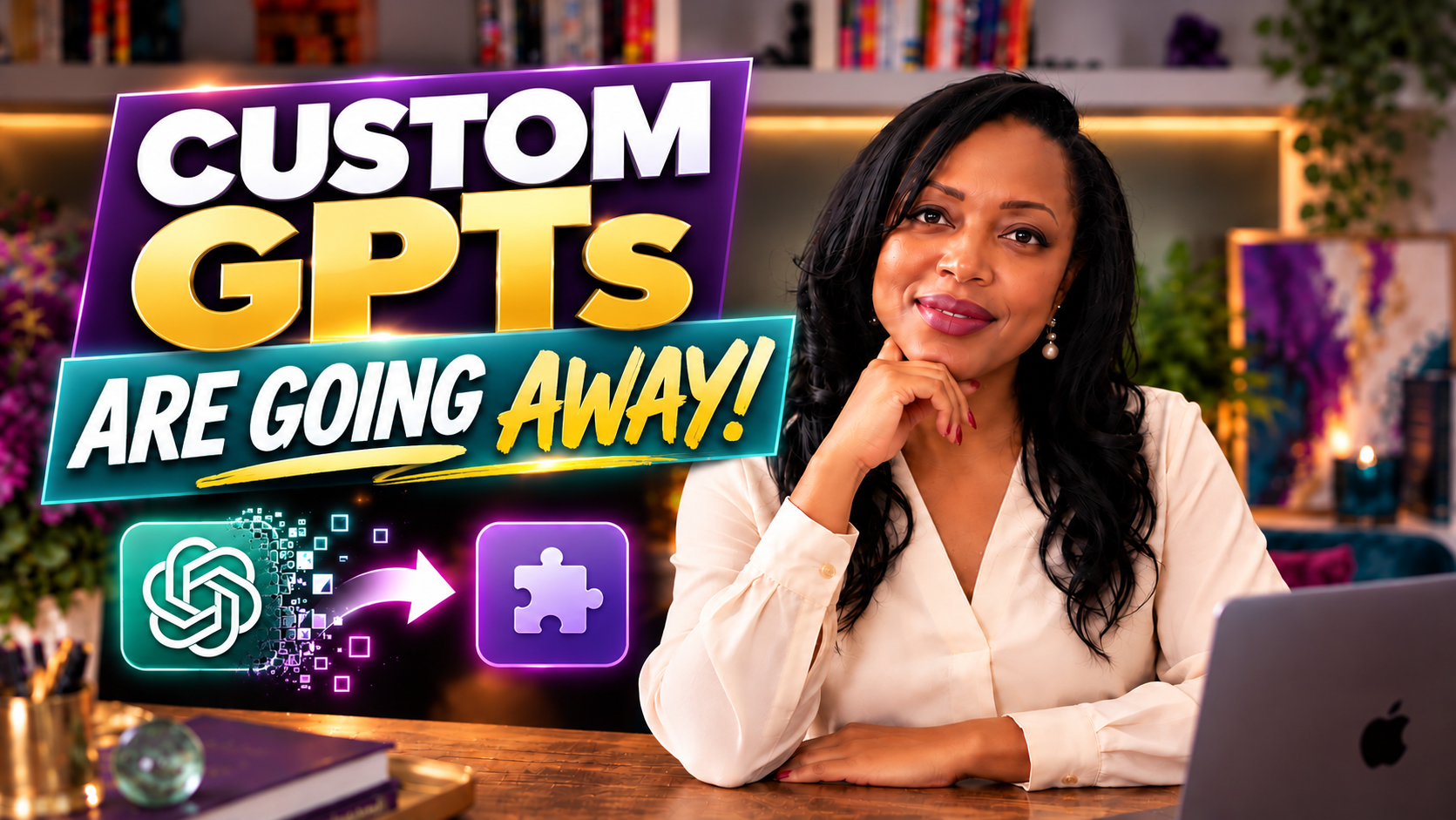
OpenAI is retiring custom GPTs on December 11, 2026. If you’ve created a custom GPT for your business, your clients or your personal workflow, you may be wondering what happens next.
The good news? OpenAI is introducing a migration path to plugins, allowing creators to preserve much of the work they’ve already put into their custom GPTs.
But there’s an important catch, especially if you’ve been sharing or selling access to your GPT.
I know because I recently migrated my own RAW BRANDED® Niche Guide GPT, and the experience raised some questions I hadn’t anticipated.
Here’s what I learned, what you should know and how to prepare before the deadline.
Why Is OpenAI Retiring Custom GPTs?
Custom GPTs gave ChatGPT users a way to create personalized AI assistants with specialized instructions, knowledge and behaviors.
For entrepreneurs, coaches, consultants and other professionals, they also opened the door to something exciting: packaging expertise into interactive experiences.
You didn’t necessarily need to know how to code. You could create a GPT that guided someone through a process, answered questions using your methodology or helped users accomplish a specific task.
Now, OpenAI is moving away from custom GPTs toward plugins.
According to OpenAI’s retirement and migration guidance, existing custom GPTs are scheduled to retire on December 11, 2026.
That means creators should review their GPTs and consider migrating them before the deadline.
What Happens to Your Custom GPT After Migration?
OpenAI provides a migration process that can convert an existing custom GPT into a plugin.
But there’s an important distinction between the original GPT and its replacement.
Once you migrate a custom GPT, the original becomes read-only.
You can continue using the original GPT until its retirement, but you can no longer update it. Future changes must be made to the migrated plugin.
This is why I recommend backing up your GPT’s instructions and any supporting materials before migrating.
At minimum, save:
- Your GPT’s name and description
- Its complete custom instructions
- Any uploaded knowledge files
- Important conversation starters or workflow details
- Screenshots of your existing configuration
Even if migration goes smoothly, having an independent copy of your work is a sensible precaution.
How to Migrate Your Custom GPT to a Plugin
OpenAI’s migration process is designed to help creators move their existing GPT workflows into the new plugin format.
The exact interface may evolve, so consult OpenAI’s official instructions before proceeding.
Generally, the process involves:
- Opening your existing custom GPT and locating the migration option.
- Reviewing the information and warnings presented.
- Saving a backup of your GPT’s configuration and supporting materials.
- Completing the migration process.
- Testing the resulting plugin to confirm it behaves as expected.
After migration, you can make updates to the plugin rather than the original GPT.
But before you click through, pay particular attention to the sharing options.
That’s where my experience became especially interesting.
What Happened When I Migrated My RAW BRANDED® Niche Guide GPT
I originally created the RAW BRANDED® Niche Guide GPT to help people explore their expertise, identify potential niches and begin thinking about how their knowledge could become something valuable to others.
It was designed as an interactive extension of my personal branding methodology.
I also incorporated it into my The Product Is YOU course and offered it as a standalone digital product.
In other words, this wasn’t simply a GPT I created for my own amusement.
It was part of a broader business experience I wanted to share with customers.
When I began the migration process, I encountered a warning that made me stop and reconsider.
Public sharing was unavailable for the migrated plugin.
My original GPT could be accessed by people who had its link. Unfortunately, after migrating, I couldn’t find an equivalent public-sharing option for the new plugin in my ChatGPT Plus account.
I ultimately completed the migration successfully.
The new plugin was available for me to use within ChatGPT, and I could continue developing it.
However, the migration didn’t preserve the public distribution experience I’d originally built around the GPT.
That raises an important question for anyone using AI-powered products in their business:
What happens when the technology survives, but the way customers access it changes?
What Does This Mean If You Share or Sell Custom GPTs?
If you’ve created a GPT exclusively for yourself, migration may be relatively straightforward.
If you’ve shared your GPT with clients, students, subscribers or paying customers, you’ll want to think beyond the technical migration.
Consider how people currently access your GPT and whether that same experience will be available afterward.
For example, a coach might use a custom GPT to guide clients through a reflection exercise. A consultant might offer one as a supplemental resource. An educator might incorporate a GPT into a course.
In each case, the AI assistant is only one part of the experience.
The delivery method matters, too.
Plugin sharing and distribution options can differ depending on account type, workspace access and publication requirements. Public plugin directory distribution is not necessarily equivalent to sharing a custom GPT through a link.
If you’re selling access, you’ll also need to consider the applicable plugin policies and whether your intended business model is supported.
Don’t assume that successfully migrating your GPT automatically preserves customer access.
Review your options before making commitments to clients or customers.
Five Things to Do Before December 11, 2026
Whether you’ve built one custom GPT or several, here’s a practical starting point.
1. Review the GPTs you’ve created
Identify which ones you actively use, which you’ve shared and which may be connected to a business offering.
2. Back up your work
Save your instructions, descriptions, knowledge files and other materials independently of ChatGPT.
3. Understand the migration process
Read OpenAI’s current guidance and pay attention to any warnings before migrating.
4. Test your migrated plugin
Check whether the plugin produces the results you expect. Don’t assume every part of the original experience will work identically.
5. Reevaluate how you deliver the experience
If clients or customers depend on your GPT, determine how you’ll support them after retirement. You may need to adjust your delivery model or consider alternatives.
The Bigger Lesson: Your Expertise Is Still the Asset
There’s something I’ve learned after more than a decade of entrepreneurship: technology rarely stands still.
Just when you’ve become comfortable with a tool, a platform changes its features, pricing, policies or direction.
And yes, that can be frustrating.
Especially when you’ve invested time creating something useful.
But here’s the distinction I keep coming back to:
The platform may change. Your expertise doesn’t disappear with it.
The real value of my RAW BRANDED® Niche Guide isn’t the custom GPT interface.
It’s the thinking, methodology and experience behind it.
That knowledge can be adapted into different tools, products and experiences as technology evolves.
And the same is true for you.
Whether you’re using AI to create a digital product, support your clients or explore a new business opportunity, don’t lose sight of what makes the experience valuable in the first place.
It’s not just the technology.
It’s what you know — and how you use it to help someone else.
That’s what RAW BRANDED® is all about: Turn What You Know Into What’s Next.
Watch: ChatGPT Is Retiring Custom GPTs. Here’s What to Do With Yours.
In my latest video, I walk through the retirement announcement, share screenshots from my own migration experience and explain the important questions creators should consider before December 11.
For the most current instructions, review OpenAI’s official Custom GPT Retirement and Migration FAQ.
If you’d like more practical insights on AI, personal branding and entrepreneurship, explore RAW BRANDED® and subscribe for future updates.
With love and fire,
Dr. Renée A. Walker (aka Dr. RAW)
Founder of RAW BRANDED® | The Product is YOU™
Helpful Resources
🎯 OpenAI’s official Custom GPT Retirement and Migration FAQ
🎯 My original How to Create a Custom GPT tutorial
🎯 Explore the RAW BRANDED® Niche Guide GPT while it’s available:



Start Playing BIG & Standing Out!
Get my free 7-step guide to clarify your brand, showcase your expertise and attract new opportunities.
Success! Check Your Email For Your Free Gift.
Privacy Policy: Your privacy matters. No spam, ever.