Are you a content creator juggling work, family, and the hundred other responsibilities that come with building your brand?
Same. 🙋🏽♀️
And if you’ve ever stared at a timeline full of “um’s,” awkward pauses, or dead space — you know how overwhelming video editing can be.
The good news?
You don’t need a film degree, an editing background, or endless hours in your day to publish quality video content.
You just need the right tools.
👀 Prefer to watch instead?
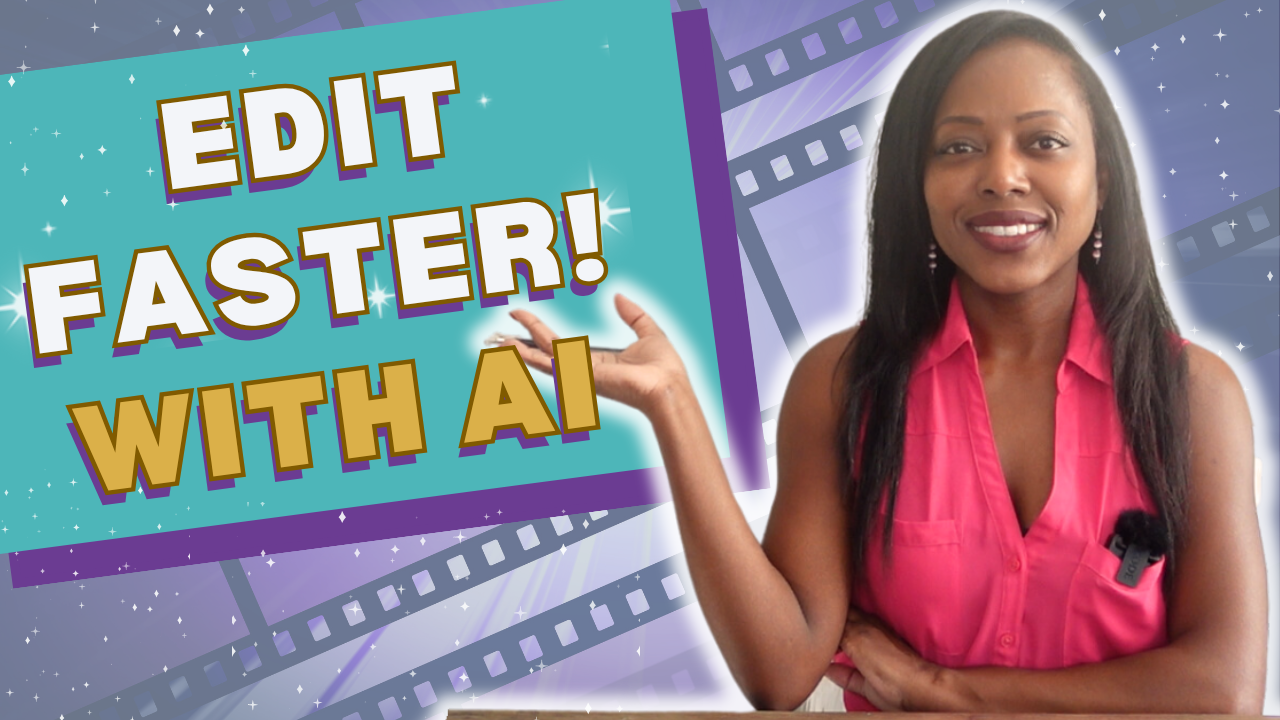
Check out the full step-by-step video tutorial right above — I walk you through exactly how to use Gling to edit your videos in minutes.
💻 Meet Gling — Your AI Editing Assistant
Gling is a powerful AI tool that takes your raw footage and automatically cuts out the fluff. We’re talking “uhs,” “ums,” long pauses, and repetitive sentences.
In just a few clicks, you’ll have a clean, high-quality video that’s ready for upload.
Gling is a game-changer if you:
✅ Have limited time to edit
✅ Are new to video creation
✅ Prefer a simplified workflow (yes, please!)
🚀 Why This Matters
Consistency > Perfection.
In fact, creators who post more frequently see 30–40% faster channel growth
(Source: TubeBuddy 2023).
So if you’re holding off on posting because editing is slowing you down? You might be missing out on major visibility and momentum.
🛠️ How Gling Works in 5 Simple Steps
1. Upload Your Raw Video
Drag and drop your clip into the browser-based editor. No bulky downloads needed.
2. Let Gling Detect the Fluff
The AI will automatically identify filler words, pauses, and dead space. Magic.
3. Customize the Cuts
Review Gling’s suggestions and tweak as needed. You’re still the creative director here.
4. Export in High Quality
One click and you’re ready to publish — no resolution loss.
5. (Optional) Add Final Touches
I personally bring my Gling-edited clips into my full editor to add music, CTAs, transitions, and B-roll.
But if you’re in a season of done is better than perfect — Gling is more than enough.
🎯 My Pro Tip
If you’re building your personal brand as a coach, consultant or service provider — don’t wait for perfect production.
Let Gling handle the grunt work so you can focus on showing up and sharing your voice.
✨ Try Gling for Yourself
👉🏾 Here’s my affiliate link to try Gling for free: https://reneewalker.me/gling
🔥 BONUS: Free Guide for Coaches & Creators
💡 Grab my free ChatGPT-4o RAW BRANDED™ Guide and learn how to use AI to generate content ideas, write faster, and stay consistent — even on a tight schedule.
You’ve got this.
Let’s make content creation easier — and a whole lot more fun!
With love and fire,
Dr. Renée A. Walker (aka Dr. RAW)
Founder of RAW BRANDED® | The Product is YOU™



Start Playing BIG & Standing Out!
Get my free 7-step guide to clarify your brand, showcase your expertise and attract new opportunities.
Success! Check Your Email For Your Free Gift.
Privacy Policy: Your privacy matters. No spam, ever.